01 · SUNO STYLE
Style Prompt
The sound, groove, instrumentation and production direction.
SunoShaper 4.5 prepares musical direction for the Suno V6 workflow. Shape a reusable setup with Auto AI or Manual Build, or start from Artist AI. Watch the three tutorials, edit your configuration and generate when you're ready.
SunoShaper prepares the direction. Suno generates the audio.
The eight required choices are Genre, Subgenre, BPM, Key, Vocals, Instruments, Lead and Structure. Lead is selected within Instruments. The separate Preset control is optional and remains visible beside Structure.
Choose the sound, select a Lead instrument, then open Structure to choose Auto AI or Manual Build. The counter advances as you complete the eight requirements.
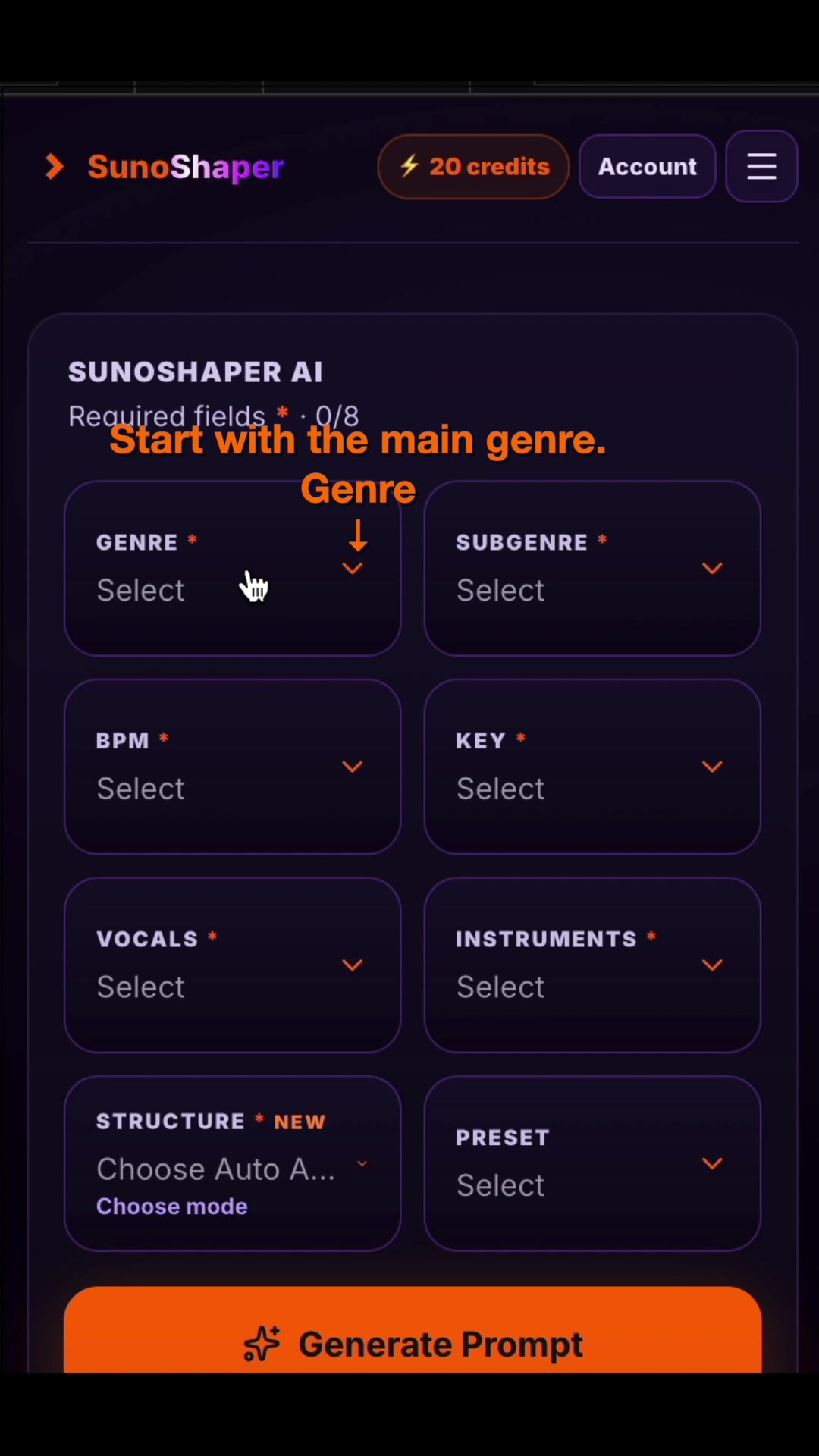
Make the eight required choices and select Auto AI in Structure. It starts with five sections that you can adjust. Five controls let you steer the result without editing every detail yourself.
The video shows the full path from an empty Builder to the three copyable outputs.
Choose the section order and edit musical behavior inside each part of the song. The tutorial shows melodic direction, focus, harmony, tone, active instruments and the section solo in a Blues example.
The preset export appears in this Manual Builder tutorial. A JSON preset stores a configuration; it is not generated audio.
Enter an artist or band as your starting reference. A song or album, era or year, and lyrics are optional but strongly recommended when available: they give Artist AI more context for a focused result.
Artist AI costs 1 SunoShaper credit per generation. It describes musical traits; it does not promise to reproduce an artist or a song.
Review and, if needed, edit the result before copying each part into the matching field in Suno V6.
The sound, groove, instrumentation and production direction.
Section-by-section performance and arrangement guidance.
The elements you want to keep out of the generation.
The 4.5 result screen advises setting Suno Variety to 0 to reduce rewriting of the Style Prompt, including BPM. Suno still makes the final audio decisions, so results can vary.
Explore the Builder, choose the structure mode that suits you, or continue an Artist AI result as an editable preset.
Explore SunoShaper